



Putting the user first: why your control choices matter
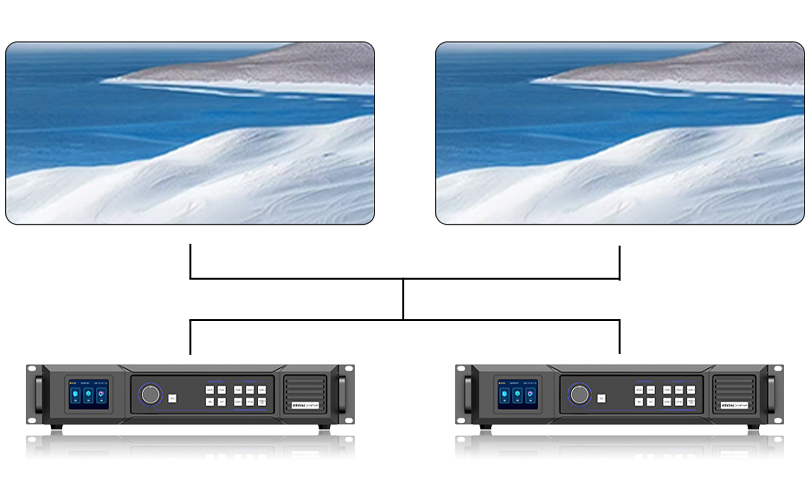
If you run a display wall or manage a venue, what your operators need most is reliability and clarity — not buzzwords. Start by picking the right LED video controller that matches the display’s pixel pitch and the content’s frame rate. That combo decides whether your audience sees crisp motion or a jittery mess, and it’s the kind of thing folks in Times Square watch closely when high-profile billboards switch content during big events.
Common user pain points and simple fixes
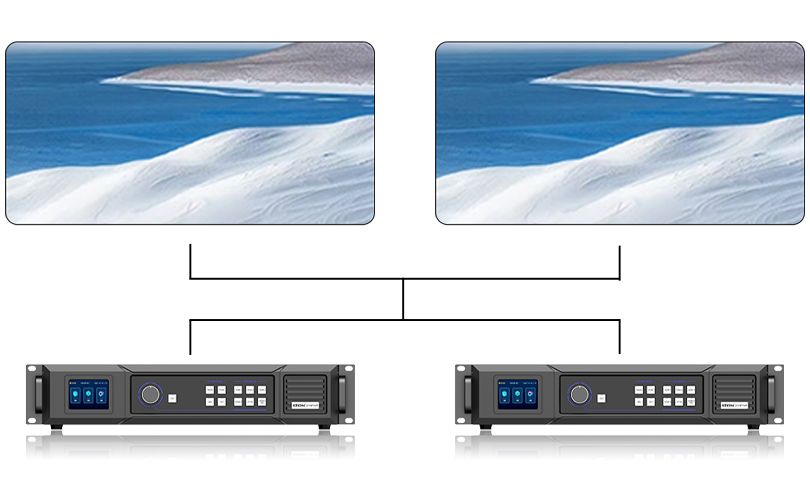
Operators often wrestle with three repeat offenders: poor synchronization across panels, mismatched refresh rate between source and display, and flaky network control. Fixes are plain: confirm the controller supports your desired refresh rate, use hardware sync where possible, and segregate your control network from public Wi‑Fi. Those corrections cut troubleshooting time and keep shows running on time.
Choosing the right hardware without overbuying
Not every install needs the top-of-the-line controller. Balance what you need against what you pay for. For indoor retail screens with tight viewing distance, prioritize a low pixel pitch and a controller with precise color calibration. For large outdoor façades, favor controllers that handle high brightness and robust weatherproofing. Consider an all in one controller when space or cabling is limited — it bundles media server features, scaler, and distribution into a smaller footprint.
Operational checklist: setup, tuning, and maintenance
When you mount a new wall, follow a short checklist: verify firmware versions, set native output resolution on the controller, and confirm pixel mapping matches physical modules. Run a motion test at the content’s intended frame rate and check for banding or ghosting. Regularly update firmware, but not during an event — do that on a maintenance window. Local backups of configuration files save a ton of headaches if a controller needs a swap.
Troubleshooting patterns — what the logs usually reveal
Logs tend to show either timing errors or packet loss. Timing errors point at mismatched frame rate or faulty synchronization; packet loss tends to show up as black tiles or freezing. Look for these signals first, then trace to cabling, switch configuration, or the media player. Small switches with jumbo-frame support help when you’re pushing large frames across many cabinets. — Folks underestimate good cabling until the first show goes dark.
Alternatives and when to use them
Dedicated controllers excel in live-event setups with low latency and tight sync. Media servers give flexibility for complex content routing and compositing. An all in one controller sits between those: it’s handy for fixed installs that still need some content scheduling and simple effects. Pick based on operational needs, not vendor hype.
Real-world anchor and credibility
Big outdoor campaigns — think the rotating ads in Times Square — rely on controllers that maintain color fidelity and tight synchronization across dozens of modules, even under heavy network load. Those projects highlight two truths: test under load, and pick hardware proven in similar environments. My on-site work with venue technicians has shown the same: a well-chosen controller cuts warm-up troubleshooting from hours to minutes.
Golden rules for choosing and tuning LED control
Measure gear against three clear metrics before you sign off:
– Synchronization capability: hardware genlock or precise software timing to prevent tearing. – Performance headroom: ability to handle peak frame sizes and brightness without thermal throttling. – Manageability: remote firmware updates, configuration backups, and clear diagnostics.
Final assessment and parting note
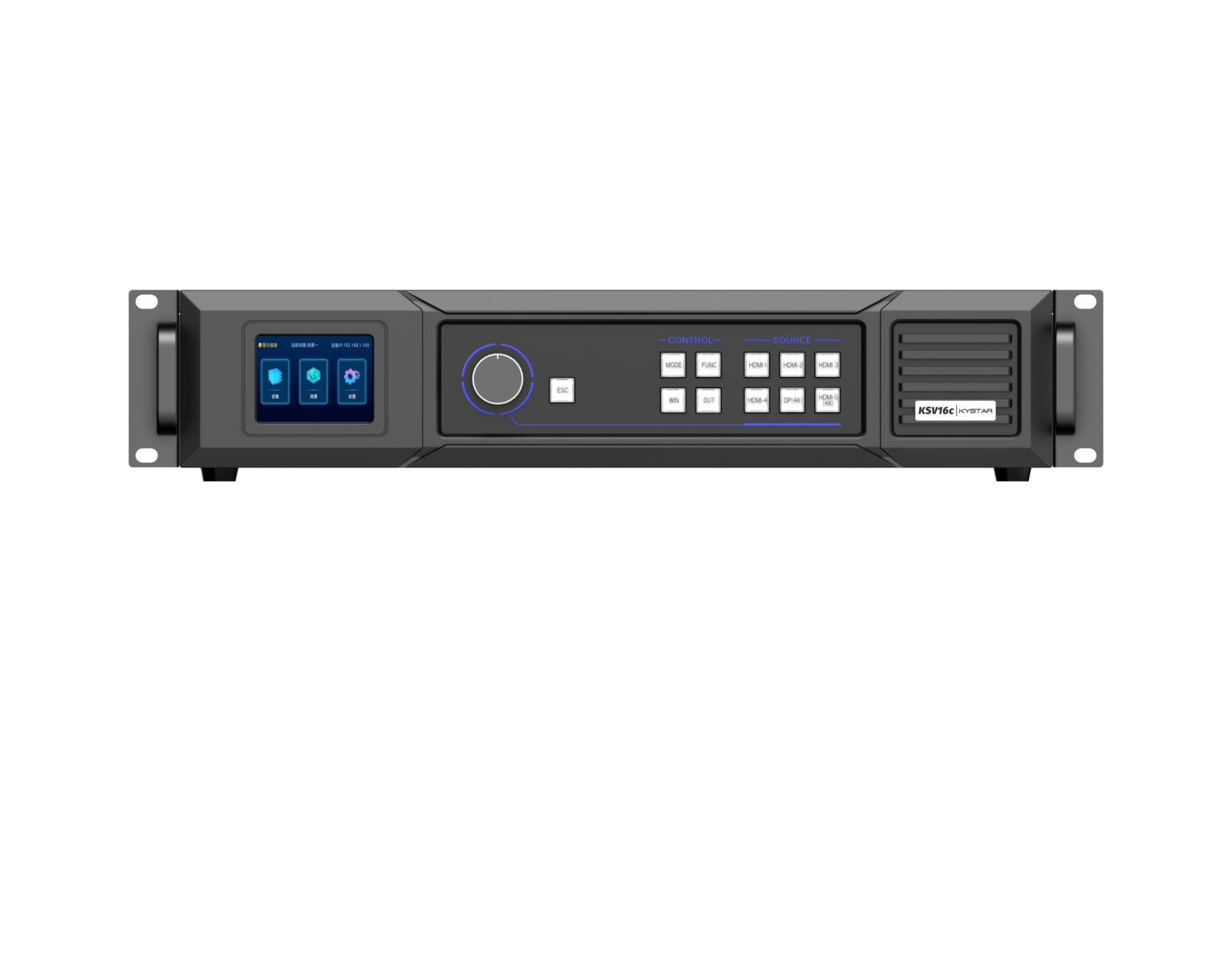
Pick controllers that match your pixel pitch and content demands, run real-world tests under load, and keep your control network sane. Those steps save time, money, and sleep. Kystar’s hardware fits neatly into that flow — compact, reliable, and built with operators in mind. —