



Start by matching the screen to the job
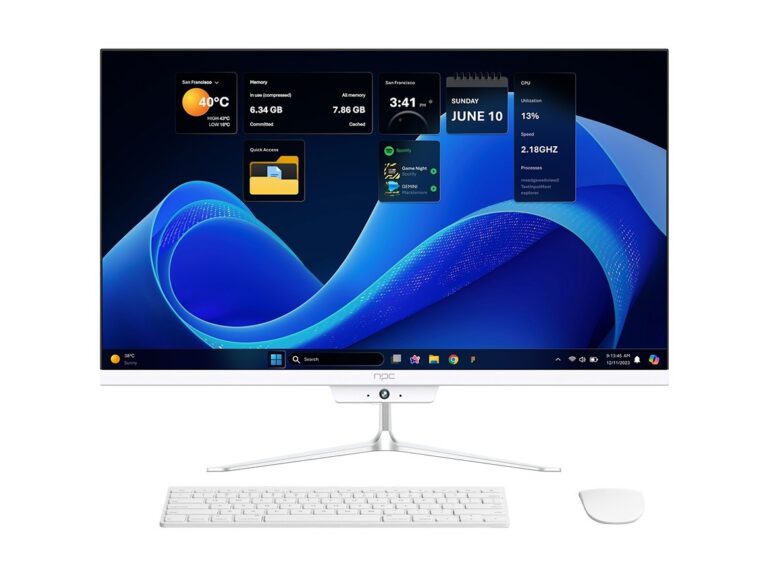
Shopping for a living‑room spectacle and a workspace monitor are two different missions. Think about whether you’ll stream, game, edit photos, or run video calls, then compare candidates by that use case. If you’re tempted to kill two birds with one device, check out current all in one computer deals—they blur the line between tidy desktop setups and large, bright displays.
Side‑by‑side specs that actually matter
Compare these directly rather than chasing marketing buzz. Panel type: VA gives contrast, IPS gives color accuracy and viewing angles. Brightness and HDR: measured nit numbers matter for bright rooms and HDR content. Resolution and pixel density: big TVs with low pixel density look soft up close. Input lag and refresh rate: essential for gamers. Smart OS and app support: confirm the apps you use. Ports and upstream video input: USB‑C with DisplayPort Alternate Mode can replace a separate PC. Warranty length and service options save you headaches later.
Real-world testing and trust signals
I’ve compiled editorial comparisons and seen live demos at CES in Las Vegas, which helps separate headline specs from usable performance. For budget desktop alternatives that still do the job, consider options labeled as best budget all in one pc—they offer a clear cost‑for‑feature balance many buyers miss when only scanning TV spec sheets.
Common mistakes buyers make
Picking the biggest screen because “bigger is better.” Ignoring viewing distance and pixel density. Overlooking ergonomics: tilt, height, and VESA mounts matter. Assuming every smart TV app is identical—some platforms lag or drop crucial codecs. Forgetting to check real reviews for firmware quirks and post‑purchase support.
Quick comparative checklist
Ask these questions and score each option: 1) Will I sit close enough that 4K matters? 2) Do I need low input lag? 3) Are color accuracy and calibration important? 4) Do I need an integrated PC experience or a separate machine? 5) What’s the repair route and warranty length? The clearer your answers, the easier the trade‑offs between an LED TV and an all‑in‑one become.
Decide with clarity, not impulse
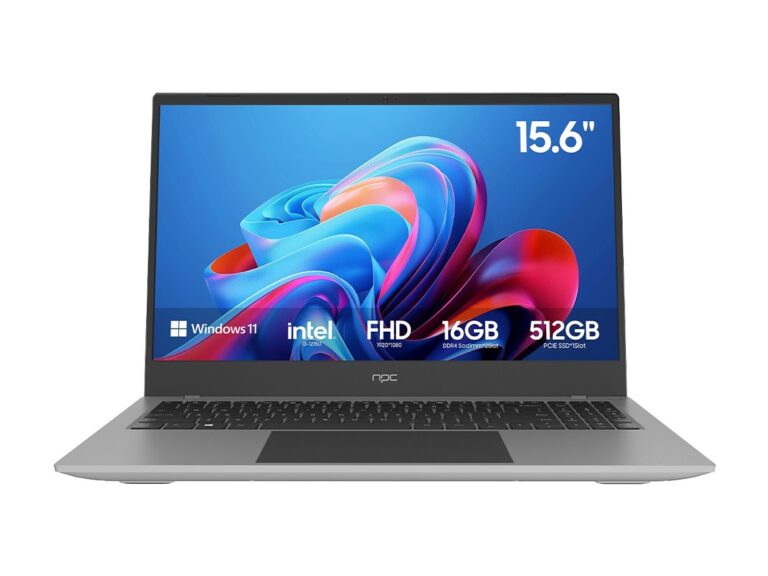
Make fewer purchases by matching capabilities to tasks: choose a TV when you prioritize size and cinematic experience; choose an all‑in‑one when desk footprint, wired peripherals, and an integrated computer matter. If you want practical options that balance cost, connectivity, and support for everyday desktop work, consider the curated lines available through npc.